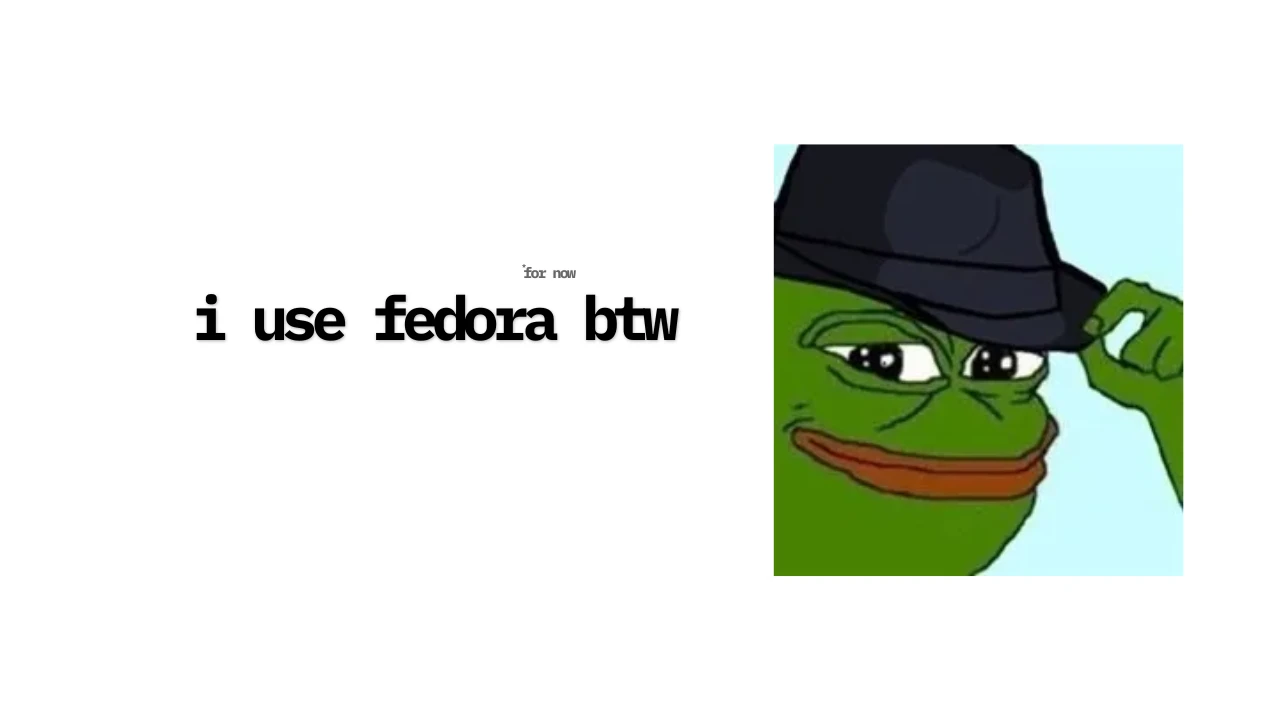
Hello, Linux
early july this year my lifelong battle and love-hate against adobe has finally come to an end. Not from a forfeit nor a truce, but a sudden attack from corrupt windows SSD that disrupts the flow of battle.
sorry if that first introduction didn’t make any sense i’ve been watching too much House of Dragons and binge watch Dune part I and II on a flight and The Odyssey a few days ago (sadly not in IMAX, not as Christopher Nolan intended).
so basically my windows ssd got corrupted for some reason (i suspect it might be this codex issue) and at first i tried to factory reset and see if it might be some corrupt firmware or something, but i kept getting black screen over and over again despite Crystal Disk saying its still good.
since i needed a functioning laptop i decided to purchase a 256GB ssd and install linux on it cause to be honest i’ve been sick and tired of windows too!
Fedora???
this blog is supposedly a personal like online cheatsheet for some keybind that is set on fedora 44 workstation GNOME. Now that this sub-chapter creates a distro war, there’s no particular reason that i choose fedora workstation, maybe becuase before i was using WSL with ubuntu and i’d like to try out different thing! (distro hopping video soon? 👀)
so thanks if you’re reading this far but all thats left are some keybinding to make it easier for me to move around and utilize the different virtual desktop/ like environment
its been good so far the only testing i haven’t done when writing this blog is the video editing, will later make a full long youtube video!
Workspace Navigation
| Action | Keybinding |
|---|---|
| Switch to workspace 1 | Super+Home |
| Switch to workspace last | Super+End |
| Switch workspace left | Super+Page_Up · Super+Alt+Left · Ctrl+Alt+Left |
| Switch workspace right | Super+Page_Down · Super+Alt+Right · Ctrl+Alt+Right |
| Switch workspace up | Ctrl+Alt+Up |
| Switch workspace down | Ctrl+Alt+Down |
Move Window to Workspace
| Action | Keybinding |
|---|---|
| Move window to workspace 1 | Super+Shift+Home |
| Move window to workspace last | Super+Shift+End |
| Move window to workspace left | Super+Shift+Page_Up · Super+Shift+Alt+Left · Ctrl+Shift+Alt+Left |
| Move window to workspace right | Super+Shift+Page_Down · Super+Shift+Alt+Right · Ctrl+Shift+Alt+Right |
| Move window to workspace up | Ctrl+Shift+Alt+Up |
| Move window to workspace down | Ctrl+Shift+Alt+Down |
Window Management
| Action | Keybinding |
|---|---|
| Maximize | Super+Up |
| Unmaximize | Super+Down · Alt+F5 |
| Toggle maximize | Alt+F10 |
| Tile left (half) | Super+Left |
| Tile right (half) | Super+Right |
| Minimize | Super+H |
| Close window | Alt+F4 |
| Begin move (drag) | Alt+F7 |
| Begin resize (drag) | Alt+F8 |
| Window menu | Alt+Space |
Move Window to Monitor
| Action | Keybinding |
|---|---|
| Move to monitor left | Super+Shift+Left |
| Move to monitor right | Super+Shift+Right |
| Move to monitor up | Super+Shift+Up |
| Move to monitor down | Super+Shift+Down |
App Switching
| Action | Keybinding |
|---|---|
| Switch apps | Super+Tab · Alt+Tab |
| Switch apps backward | Super+Shift+Tab · Alt+Shift+Tab |
| Switch windows in group | Super+ ` · Alt+ ` |
| Switch windows in group (back) | Super+Shift+ ` · Alt+Shift+ ` |
| Cycle all windows | Alt+Escape |
| Cycle all windows backward | Shift+Alt+Escape |
| Cycle windows in group | Alt+F6 |
| Cycle windows in group (back) | Shift+Alt+F6 |
Dash / App Launcher
| Action | Keybinding |
|---|---|
| Open app launcher | Super |
| Show all apps | Super+A |
| Switch to app 1–9 | Super+1 through Super+9 |
| Open new window for app 1–9 | Super+Ctrl+1 through Super+Ctrl+9 |
System
| Action | Keybinding |
|---|---|
| Lock screen | Super+L |
| Log out | Ctrl+Alt+Delete |
| Run command dialog | Alt+F2 |
| Quick settings | Super+S |
| Notification tray | Super+V · Super+M |
| Focus notification | Super+N |
| Switch monitor input | Super+P |
| Screenshot UI | Print |
| Screenshot window | Alt+Print |
| Screenshot (full) | Shift+Print |
| Screen recording | Ctrl+Shift+Alt+R |
| Magnifier toggle | Alt+Super+8 |
| Magnifier zoom in | Alt+Super+= |
| Magnifier zoom out | Alt+Super+- |
| Screen reader | Alt+Super+S |